3 Best AI Tools for Virtual World Lighting and Atmosphere
Enhance your virtual world's mood with these 3 AI tools designed for advanced lighting and atmospheric simulation.
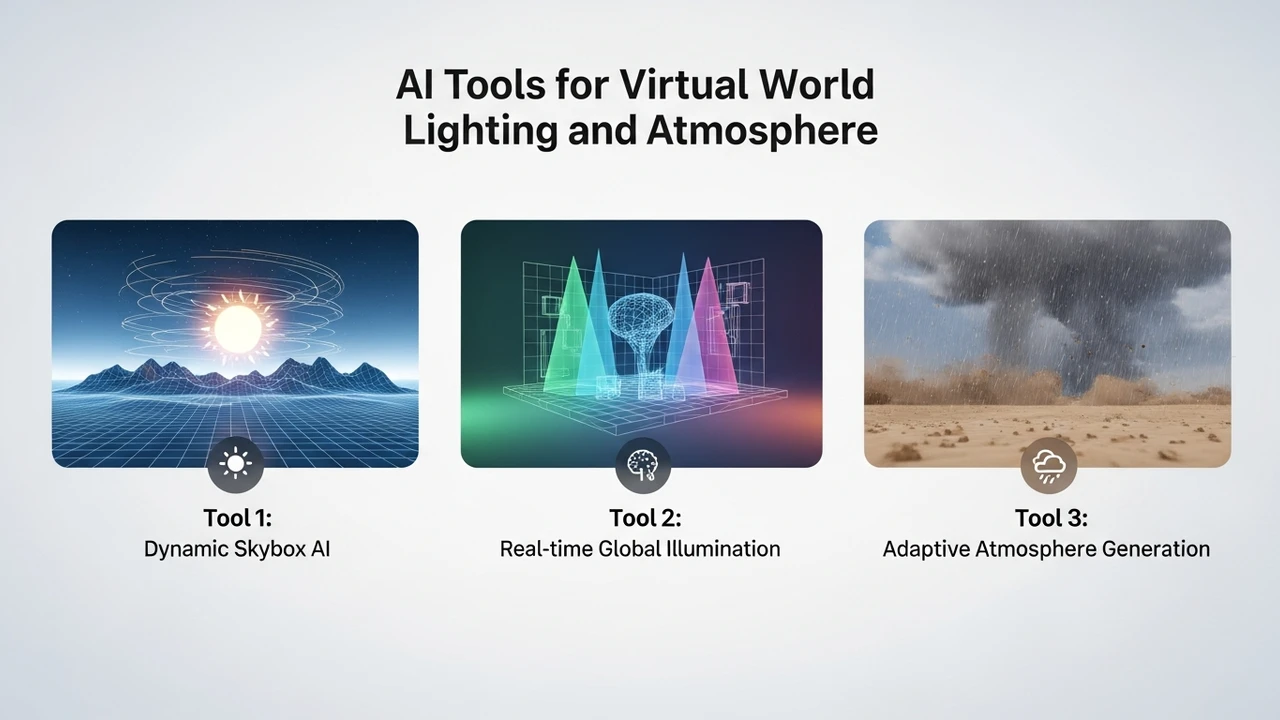
Enhance your virtual world's mood with these 3 AI tools designed for advanced lighting and atmospheric simulation.
3 Best AI Tools for Virtual World Lighting and Atmosphere
If you have ever spent hours tweaking a single light source in a 3D engine only to find the shadows look completely wrong, you are not alone. Lighting is the soul of any virtual world. It dictates whether your environment feels like a cozy sanctuary or a dystopian nightmare. Lately, AI has stepped into the scene, taking the heavy lifting out of global illumination, volumetric fog, and atmospheric scattering. Let’s dive into the best tools that are changing how we light up our digital realms.
AI Powered Global Illumination and Real Time Lighting Solutions
The biggest challenge in virtual world creation is balancing visual fidelity with performance. Traditional ray tracing is expensive, but AI-driven solutions are bridging that gap. NVIDIA’s RTX Global Illumination (RTXGI) is a powerhouse here. It uses AI to calculate light bounces in real-time, meaning you don't have to bake your lighting for hours. It’s perfect for open-world games where the sun moves and the environment changes dynamically. Another contender is the AI-enhanced lighting system in Unreal Engine 5, specifically Lumen. While Lumen is a core feature, its AI-driven denoising allows for high-quality reflections and soft shadows that would have required a supercomputer just a few years ago.
Top 3 AI Tools for Atmospheric Simulation and Volumetrics
When we talk about atmosphere, we are talking about fog, dust particles, and the way light interacts with the air. Here are the three tools you should be looking at:
1. NVIDIA Omniverse Create
Omniverse is more than just a tool; it is a platform. Its AI-powered atmospheric simulation allows you to drag and drop weather conditions that physically affect the lighting. If you want a rainy, moody cyberpunk street, the AI handles the light refraction through the wet surfaces and the volumetric fog automatically. It is priced as a subscription for enterprise users, but the individual creator version is free, making it a no-brainer for high-end projects.
2. Unity Muse Lighting
Unity has been pushing hard into AI with their Muse suite. The lighting assistant helps you generate lighting setups based on text prompts. You can tell it, 'Give me a sunset in a dense forest,' and it will adjust the light intensity, color temperature, and shadow softness to match that mood. It is incredibly intuitive for indie developers who aren't lighting experts. Pricing is part of the Unity Muse subscription, usually around $30 per month.
3. Skybox AI by Blockade Labs
While this is primarily for environment generation, its lighting and atmospheric control are top-tier. You can generate a 360-degree skybox and then use AI sliders to adjust the time of day, cloud density, and light intensity. It is perfect for prototyping. They offer a free tier, with pro plans starting at $20 per month.
Comparing AI Lighting Tools for Different Use Cases
Choosing the right tool depends on your workflow. If you are building a massive, high-fidelity game, NVIDIA Omniverse is the gold standard. It is built for heavy lifting and complex physics. However, if you are an indie dev working in Unity, the Muse suite is much more integrated and saves you from switching between different software packages. For those who just need a quick, beautiful backdrop for a VR experience or a social space, Blockade Labs is the fastest way to get a professional look without needing a degree in computer graphics.
When comparing these, consider the learning curve. Omniverse requires a decent understanding of USD (Universal Scene Description) and high-end hardware. Unity Muse is designed for accessibility. Blockade Labs is essentially 'plug and play.' If you are worried about cost, start with the free versions of these tools. Most of them offer a trial period or a limited free tier that is more than enough to test if the lighting quality meets your project's needs.
Optimizing Virtual World Atmosphere with AI
The secret to a great virtual world isn't just having the brightest lights; it's about contrast. AI tools now allow you to perform 'AI-assisted color grading' on the fly. By analyzing the scene, these tools can automatically boost the saturation in areas of interest or dim the background to create depth. This is crucial for VR, where you want to guide the user's eye without using intrusive UI elements. By using AI to manage your light probes and atmospheric density, you can maintain a consistent frame rate while achieving a cinematic look that keeps users immersed for hours. It is all about finding that sweet spot where the technology disappears and the world feels real.
:max_bytes(150000):strip_icc()/277019-baked-pork-chops-with-cream-of-mushroom-soup-DDMFS-beauty-4x3-BG-7505-5762b731cf30447d9cbbbbbf387beafa.jpg)