3 Best AI Tools for Motion Capture Cleanup
Clean up your motion capture data with these 3 AI tools designed for professional animation workflows.
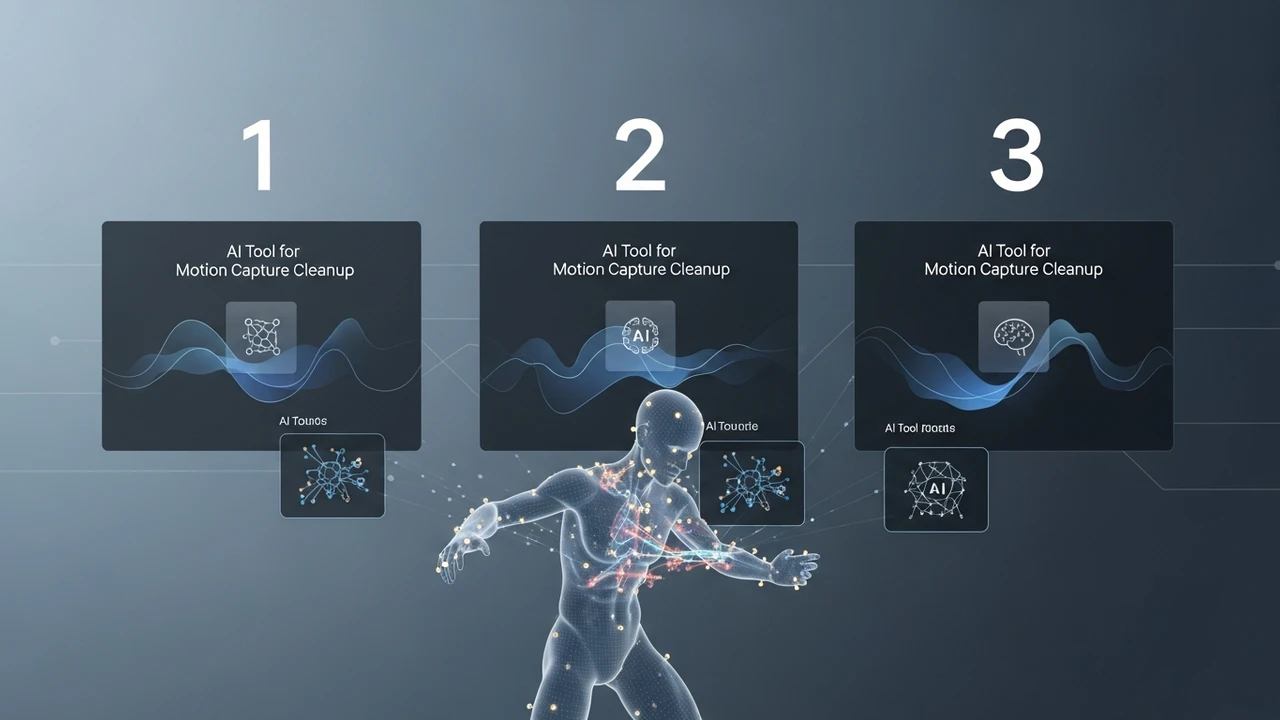
3 Best AI Tools for Motion Capture Cleanup
Clean up your motion capture data with these 3 AI tools designed for professional animation workflows.
If you have ever spent hours manually cleaning up jittery motion capture data, you know the pain. It is the bottleneck of 3D animation. You get this beautiful performance from an actor, but the raw data is full of noise, foot sliding, and tracking errors. Thankfully, AI has stepped in to save us from the tedious frame-by-frame cleanup. Today, we are diving into the best AI tools that handle motion capture cleanup so you can focus on the creative side of animation.
AI Motion Capture Cleanup Software Overview
The industry has shifted from manual keyframe editing to AI-driven retargeting and noise reduction. These tools use machine learning models trained on thousands of hours of high-quality motion data to predict where a limb should be, even when the sensors fail or the occlusion happens. Whether you are working in Unity, Unreal Engine, or Maya, these tools are becoming essential for any professional pipeline.
DeepMotion Animate 3D for Automated Cleanup
DeepMotion is a powerhouse when it comes to browser-based motion capture. What makes it great for cleanup is its ability to take noisy video input and turn it into clean, retargeted animation. It handles the heavy lifting of inverse kinematics (IK) automatically. If you have a shaky video, DeepMotion’s AI smooths out the trajectory of the joints, effectively removing the jitter that usually plagues AI-based video-to-motion workflows.
Use Cases: Ideal for indie game developers and content creators who need quick, clean animations without a full studio setup. Pricing: They offer a freemium model, with professional tiers starting around $20 per month for higher resolution and more export options.
Move AI for High Fidelity Motion Capture
Move AI is changing the game by allowing you to use multiple iPhones to capture high-fidelity motion data. The real magic happens in their cloud processing. Their AI engine performs multi-camera fusion, which is essentially a form of automated cleanup. It reconciles the data from different angles to ensure that the skeleton remains consistent, even if one camera loses sight of a limb. It is incredibly effective at fixing the 'floating' or 'sliding' feet issues that are common in cheaper mocap solutions.
Comparison: Unlike DeepMotion, which is great for single-camera video, Move AI is for those who need studio-quality data without the expensive suits. It is more expensive but provides much cleaner raw data. Pricing: They operate on a per-project or subscription basis, often tailored for enterprise teams, with entry-level plans starting at roughly $300 per month.
Rokoko Video and Studio AI Features
Rokoko is a staple in the industry. Their Studio software has integrated AI filters that allow you to apply smoothing and drift correction to your mocap data in real-time. If you are using their hardware suits, the AI cleanup is built directly into the pipeline. It detects when a sensor is drifting and uses predictive algorithms to snap the joint back to its correct position based on the rest of the body's orientation.
Comparison: Rokoko is the best choice if you are already invested in their hardware ecosystem. It is more robust than pure software solutions because it combines sensor data with AI logic. Pricing: The software is free to use for basic features, with a 'Plus' subscription at $20 per month that unlocks advanced AI cleanup tools and export formats.
Choosing the Right AI Motion Capture Tool
When picking your tool, think about your source. If you are doing video-to-animation, DeepMotion is your best bet for speed. If you are doing multi-camera setups, Move AI is the gold standard for accuracy. If you are using hardware suits, stick with Rokoko. The cost of these tools is a fraction of what you would pay a junior animator to clean up data for a month, so the ROI is almost immediate. Start with the free tiers, test your specific animation style, and see which AI model handles your specific movement quirks the best. The future of animation is clean, fast, and AI-assisted, and these tools are leading the charge.
:max_bytes(150000):strip_icc()/277019-baked-pork-chops-with-cream-of-mushroom-soup-DDMFS-beauty-4x3-BG-7505-5762b731cf30447d9cbbbbbf387beafa.jpg)