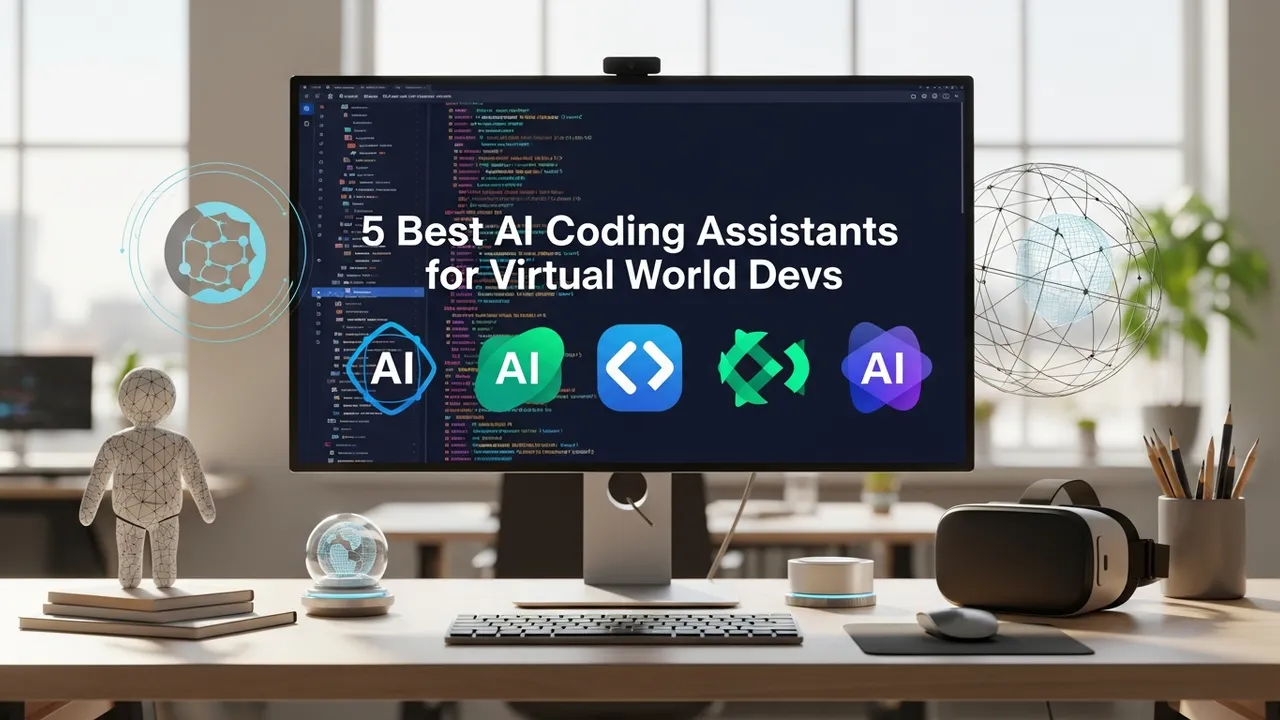
5 Best AI Coding Assistants for Virtual World Devs
Boost your development speed with these 5 AI coding assistants tailored for virtual world and simulation programming.
Boost your development speed with these 5 AI coding assistants tailored for virtual world and simulation programming. If you are building virtual worlds, you know that the complexity of 3D environments, physics engines, and real-time rendering can be overwhelming. Writing boilerplate code for shaders, managing complex state machines, or debugging memory leaks in C++ or C# is a massive time sink. That is where AI coding assistants come in. They are not just autocomplete tools anymore; they are becoming full-fledged pair programmers that understand the nuances of game engines like Unity and Unreal Engine.
Why AI Coding Assistants are Essential for Virtual World Development
Building a virtual world is fundamentally different from building a standard web app. You are dealing with spatial math, lighting calculations, and massive asset pipelines. Traditional IDEs are great, but they do not always understand the context of a 3D scene. Modern AI assistants, however, have been trained on vast repositories of game development code. They can suggest optimized algorithms for procedural generation, help you write cleaner HLSL or GLSL shaders, and even refactor your C# scripts to be more performant in a high-frame-rate environment. By offloading the repetitive tasks to an AI, you can focus on the creative vision of your simulation.
Top 5 AI Coding Assistants for 3D and Simulation Developers
Let us dive into the tools that are actually making a difference in the industry right now. We have selected these based on their integration with game engines, their ability to handle complex logic, and their overall developer experience.
1. GitHub Copilot
GitHub Copilot remains the gold standard for most developers. It is incredibly fast and integrates seamlessly into VS Code and Visual Studio. For virtual world devs, its strength lies in its massive training set. If you are writing a custom component for Unity, Copilot often knows exactly what you are trying to achieve before you finish the first line. It is particularly good at writing unit tests for your game logic, which is something many developers skip but is vital for stable simulations. Pricing starts at $10 per month for individuals, making it a no-brainer for the productivity boost it provides.
2. Cursor
Cursor is the new kid on the block that is taking the dev world by storm. Unlike Copilot, which is an extension, Cursor is a full fork of VS Code with AI baked into the core. This allows it to have a deeper understanding of your entire codebase. You can ask it to "refactor the physics controller to use a different collision detection method," and it will scan all your relevant files to make the changes. This is a game-changer for large-scale virtual world projects where you have hundreds of scripts interacting with each other. It offers a generous free tier and a Pro plan at $20 per month.
3. Tabnine
Tabnine is all about privacy and local execution. If you are working on proprietary simulation tech for a large enterprise, you might not want your code being sent to the cloud. Tabnine allows for local model hosting, ensuring your intellectual property stays on your machine. It is highly customizable and learns your specific coding style over time. While it might not be as "smart" as the latest GPT-4 powered models, its speed and security features make it a favorite for professional studios. Pricing is tiered, with a robust free version and a Pro version starting at $12 per user per month.
4. Codeium
Codeium is the best free option for individual developers. It offers features that are comparable to Copilot but is completely free for individuals. It supports a massive range of IDEs and languages, including the C# and C++ variants used in Unreal and Unity. Its chat interface is surprisingly capable, allowing you to debug complex errors in your rendering pipeline by simply pasting the error log. It is a fantastic entry point if you are just starting your journey into virtual world development and want to save on subscription costs.
5. Amazon CodeWhisperer
If your virtual world is hosted on AWS, CodeWhisperer is a natural fit. It is specifically optimized for AWS services, which is great if you are building a cloud-based simulation that relies on AWS GameLift or other backend infrastructure. It provides security scans that are particularly useful for identifying vulnerabilities in your network code. It is free for individual developers, making it a very competitive option for those already deep in the Amazon ecosystem.
Comparing AI Coding Tools for Game Engines
When choosing between these, consider your workflow. If you live in VS Code, Cursor is likely your best bet for its deep integration. If you are working in a corporate environment with strict data policies, Tabnine is the clear winner. For those on a budget, Codeium provides the most value without asking for a credit card. GitHub Copilot is the safest, most reliable choice for general-purpose development. Remember that these tools are assistants, not replacements. You still need to understand the underlying math and engine architecture to ensure your virtual world runs smoothly. Use these tools to handle the grunt work, and keep your brain focused on the high-level design and user experience of your digital environment.
:max_bytes(150000):strip_icc()/277019-baked-pork-chops-with-cream-of-mushroom-soup-DDMFS-beauty-4x3-BG-7505-5762b731cf30447d9cbbbbbf387beafa.jpg)