3 Best AI Tools for Digital Human Facial Expressions
Improve the realism of your digital humans with these 3 AI tools specialized in facial expression and emotion mapping.
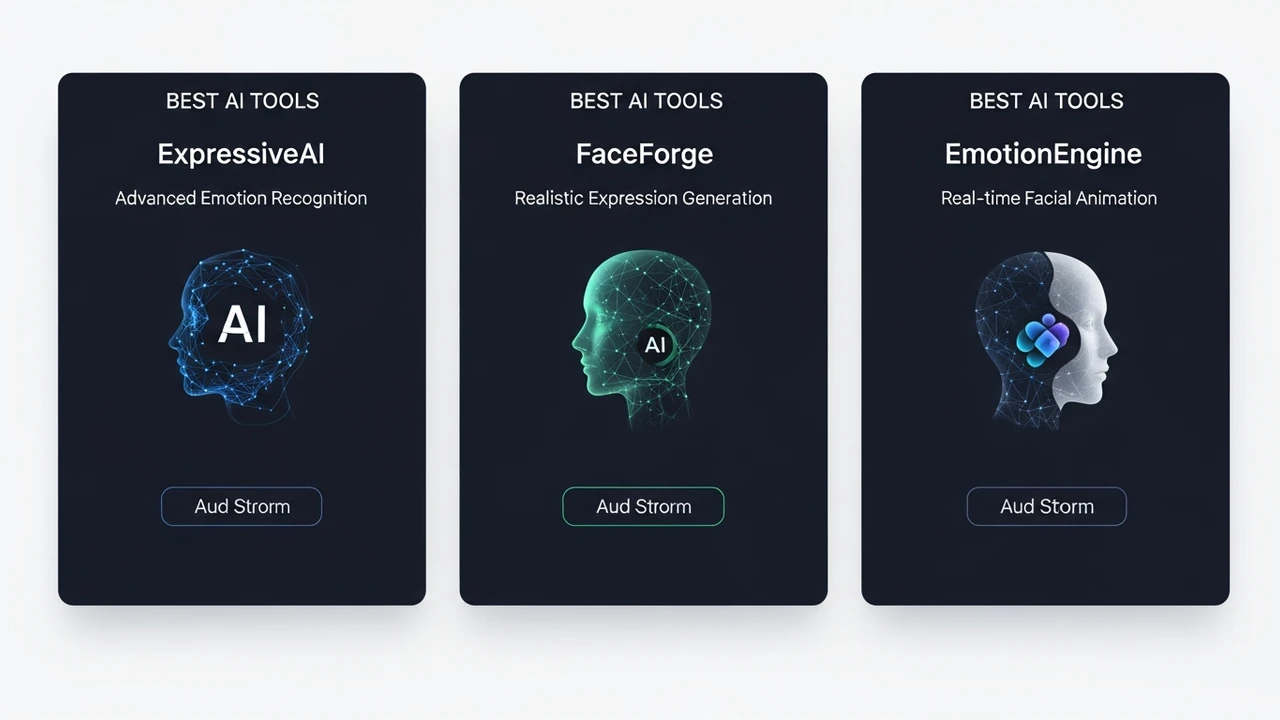
3 Best AI Tools for Digital Human Facial Expressions
Improve the realism of your digital humans with these 3 AI tools specialized in facial expression and emotion mapping.
Why Facial Expression Matters for Digital Humans
If you have ever spent time building a digital human, you know that the uncanny valley is a real place. You can have the most high-fidelity skin textures and the perfect hair simulation, but if the face doesn't move right, the whole illusion falls apart. We are hardwired to detect micro-expressions, and when a digital character's face looks stiff or robotic, our brains immediately flag it as fake. That is where AI-driven facial expression tools come in. They bridge the gap between a static 3D model and a living, breathing digital entity.
Top 3 AI Tools for Realistic Facial Animation
There are a few heavy hitters in the industry right now that are changing how we approach facial rigging and animation. Let's dive into the top three tools that are making waves in the digital human space.
1. NVIDIA Audio2Face
NVIDIA's Omniverse platform is a powerhouse, and Audio2Face is arguably its most impressive feature for character creators. It uses deep learning to generate facial animation directly from an audio track. You don't need to manually keyframe every blink or lip movement. You just feed it a voice file, and the AI figures out how the face should move to match the speech. It is incredibly fast and perfect for developers who need to populate a virtual world with NPCs that actually look like they are talking.
2. Live Link Face by Epic Games
If you are working within the Unreal Engine ecosystem, Live Link Face is your best friend. It turns your iPhone into a high-end motion capture device. By using the TrueDepth camera, it tracks your facial movements in real-time and streams that data directly onto your MetaHuman character. It is the gold standard for indie developers and small studios who want AAA-quality facial performance without the massive budget of a traditional motion capture studio.
3. Faceware Studio
Faceware has been around for a long time, and their Studio software is the professional choice for high-end production. It uses computer vision to analyze video footage and translate it into facial animation data. What makes it stand out is the level of control it gives you. You can tweak the sensitivity of the tracking, map specific expressions to different parts of the face, and ensure that the performance is consistent across long sequences. It is widely used in the film and gaming industry for a reason.
Comparing Features and Use Cases
Choosing the right tool depends entirely on your workflow. If you are a solo developer working in Unreal Engine, Live Link Face is a no-brainer because it is free and integrates perfectly. If you are building a massive virtual world with hundreds of NPCs, Audio2Face is going to save you thousands of hours of manual labor. For high-end cinematic work where every twitch of an eyebrow matters, Faceware Studio is the industry standard that provides the most granular control.
Pricing and Accessibility
Pricing varies significantly across these platforms. Live Link Face is free to download, though you need an iPhone with a TrueDepth camera. NVIDIA Audio2Face is part of the Omniverse suite, which is free for individual creators, making it an incredibly accessible entry point for high-end AI tech. Faceware Studio operates on a subscription model, typically costing several hundred dollars per month, which reflects its position as a professional-grade tool for studios. When you are budgeting for your project, consider not just the software cost, but the hardware requirements—most of these tools require a beefy GPU to run smoothly in real-time.
Integrating AI Expressions into Your Workflow
The key to getting the best results is to stop thinking of these tools as "set it and forget it" solutions. Even the best AI needs a little bit of human touch. Use these tools to get 90% of the way there, and then spend your time polishing the final 10%. Maybe you need to exaggerate a smile for a specific scene or add a subtle eye-dart to make a character look nervous. By combining the speed of AI with your own creative direction, you can create digital humans that don't just look real, but feel real to the audience.
:max_bytes(150000):strip_icc()/277019-baked-pork-chops-with-cream-of-mushroom-soup-DDMFS-beauty-4x3-BG-7505-5762b731cf30447d9cbbbbbf387beafa.jpg)