5 Best AI Tools for Texture Synthesis
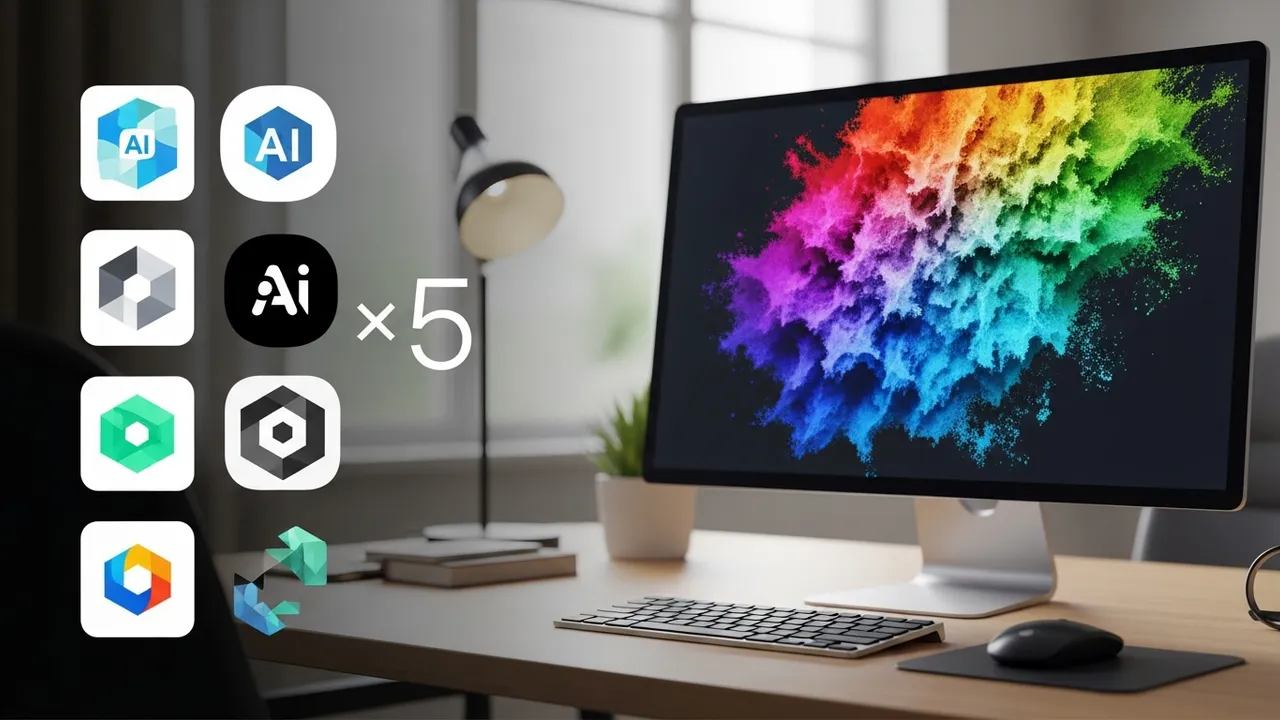
Discover the 5 best AI-powered texture synthesis tools that streamline your 3D workflow, enhance visual fidelity, and save hours of manual design time.
Discover the 5 best AI-powered texture synthesis tools that streamline your 3D workflow, enhance visual fidelity, and save hours of manual design time.
5 Best AI Tools for Texture Synthesis
If you have ever spent hours tweaking a bump map or trying to tile a brick texture perfectly in Photoshop, you know the pain of manual asset creation. Texture synthesis has been completely revolutionized by AI, turning what used to be a tedious chore into a creative playground. Whether you are building a sprawling virtual world or a hyper-realistic digital human, the right texture can make or break your project. Let’s dive into the best tools currently dominating the market.
Top AI Texture Synthesis Software for 3D Artists
The landscape of AI-driven texturing is moving fast. We are seeing tools that can take a single photo and turn it into a seamless, PBR-ready material in seconds. The first tool on our list is Adobe Substance 3D Sampler. It is the industry standard for a reason. Its AI-powered 'Image to Material' feature is incredibly robust. You can snap a photo of a surface with your phone, and the AI handles the depth, roughness, and normal maps automatically. It is perfect for game developers who need to capture real-world assets quickly.
Next up is Polycam. While known for its photogrammetry, its AI texture generation capabilities have grown significantly. It is fantastic for mobile-first workflows where you need to scan an object and generate a high-quality texture map on the fly. It is less about deep material editing and more about speed and accessibility.
Comparing AI Texture Generation Platforms and Features
When you look at Leonardo AI, you are entering the world of generative art. Unlike Substance, which focuses on real-world capture, Leonardo is a powerhouse for creating stylized, fantasy, or sci-fi textures from scratch using text prompts. If you need a 'glowing alien moss' or 'cyberpunk rusted metal,' this is your go-to. It is a different beast compared to Materialize, which is a free, open-source tool that remains a favorite for indie developers. Materialize is great for those who want to keep their workflow local and free, though it lacks the sophisticated neural network power of paid cloud-based solutions.
Then there is Stable Diffusion with ControlNet. This is for the power users. By using specific models trained on texture datasets, you can generate infinite variations of a base texture. It is the most flexible but has the steepest learning curve. You are essentially building your own texture pipeline.
Pricing and Use Cases for AI Texture Tools
Let’s talk money and utility. Adobe Substance 3D Sampler is part of the Creative Cloud suite, usually costing around $19.99/month for individuals. It is a professional-grade investment. Polycam offers a free tier, with a Pro subscription around $15/month, making it very accessible for hobbyists. Leonardo AI operates on a token-based system, with free daily credits and paid tiers starting at $10/month, which is great if you only need textures occasionally.
Materialize is completely free, which is a huge win for students and small indie teams. Stable Diffusion is also free if you run it locally on your own GPU, though you will need a decent graphics card to get fast results. If you are working on a large-scale virtual world, the time saved by Substance or Leonardo usually pays for the subscription within the first week of production.
Optimizing Your Workflow with AI Material Generation
The real magic happens when you combine these tools. I often use Leonardo AI to generate a base concept, then bring it into Substance 3D Sampler to refine the PBR maps. This hybrid approach gives you the best of both worlds: the creative freedom of generative AI and the technical precision of professional material software. Don't be afraid to experiment with different workflows. The goal is to spend less time on the 'how' and more time on the 'what' of your virtual environment. Whether you are creating a digital twin of a factory or a fantasy landscape, these tools are your new best friends in the development pipeline.
:max_bytes(150000):strip_icc()/277019-baked-pork-chops-with-cream-of-mushroom-soup-DDMFS-beauty-4x3-BG-7505-5762b731cf30447d9cbbbbbf387beafa.jpg)